How to Use a Daily Work Tracker for Better Time Management
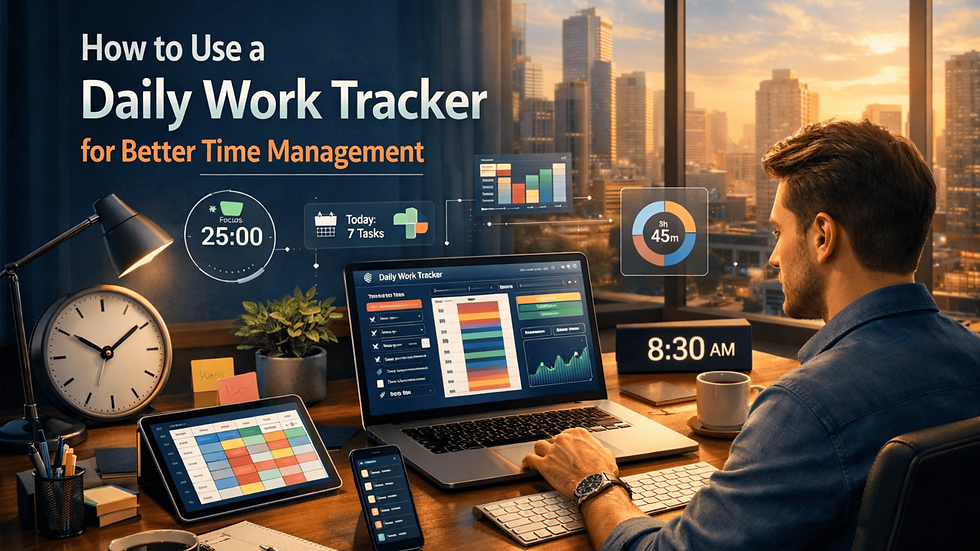
Have you ever reached the end of a workday wondering where all your time went? Are important tasks constantly getting pushed to tomorrow despite being busy all day? If so, a daily work tracker may be the solution you need.
A daily work tracking system system is used to record tasks, monitor progress, and evaluate how time is spent throughout the day. It helps individuals and teams improve productivity, reduce distractions, and ensure that important responsibilities receive the attention they deserve. By consistently tracking work activities, professionals can identify inefficiencies and make better decisions about time management.
Whether you work remotely, in an office, or manage a team, using a structured tracking method can help you stay organized and achieve goals more efficiently.
What Is a Daily Work Tracker?
A daily work tracker system is a tool, document, or application that helps users record daily activities, completed tasks, deadlines, and productivity metrics.
The primary purpose is to provide visibility into how time is spent and whether work priorities align with organizational or personal goals.
Common tracking methods include:
Digital productivity apps
Project management platforms
Spreadsheets
Printable planners
Task management software
The right solution depends on the complexity of your workload and personal preferences.
Why Is Tracking Daily Work Important?
Many professionals underestimate how much time is lost to interruptions, multitasking, and unplanned activities. Tracking work provides valuable insights that can lead to significant productivity improvements.
Benefits include:
Better time allocation
Improved accountability
Reduced procrastination
Clearer task prioritization
Enhanced project visibility
More accurate performance evaluation
When you know exactly where your time goes, it becomes easier to eliminate distractions and focus on meaningful work.
How to Set Up an Effective Tracking System

Define Your Daily Priorities
Start each day by identifying the most important tasks.
Focus on:
High-priority assignments
Time-sensitive projects
Team responsibilities
Long-term goals
Limiting your focus to a manageable number of priorities helps prevent overwhelm and improves execution.
Break Large Tasks into Smaller Steps
Large projects can feel intimidating and often lead to delays.
Instead of writing:
Complete monthly report
Break it into:
Gather data
Analyze results
Create visuals
Write summary
Review and submit
Smaller tasks create momentum and make progress easier to measure.
Track Time Spent on Activities
Recording the time spent on tasks helps identify productivity patterns.
Pay attention to:
Productive work periods
Frequent interruptions
Administrative activities
Meetings
Deep-focus sessions
Over time, this information reveals opportunities for improvement.
Best Practices for Maintaining Consistency
Review Progress Throughout the Day
Checking progress at regular intervals keeps you aligned with priorities.
Consider reviewing:
Mid-morning
After lunch
End of day
These quick evaluations help prevent important work from falling behind.
Record Accomplishments
Many professionals focus only on unfinished tasks.
Tracking completed work provides:
Motivation
Performance evidence
Better workload analysis
Greater job satisfaction
Documenting accomplishments creates a clearer picture of productivity.
Eliminate Common Productivity Obstacles
Look for recurring distractions such as:
Excessive meetings
Social media usage
Email overload
Unclear priorities
Frequent interruptions
Identifying these challenges allows you to create strategies for minimizing their impact.
Combining Tracking with Productivity Techniques

A tracking system becomes even more effective when paired with proven productivity methods.
One popular approach is the flowtime technique, which encourages individuals to work uninterrupted until their focus naturally declines. Instead of using fixed work intervals, this method adapts to personal concentration levels.
When combined with detailed activity tracking, professionals can discover their most productive periods and schedule important tasks accordingly.
This approach often results in:
Longer focus sessions
Better task completion rates
Reduced mental fatigue
Improved work quality
Understanding your natural work rhythm can significantly enhance overall efficiency.
Common Mistakes to Avoid
Tracking Too Much Information
Overcomplicated systems often become difficult to maintain.
Track only information that helps improve productivity, such as:
Tasks completed
Time spent
Priorities
Key outcomes
Ignoring Data Insights
Collecting information is only useful if you review it.
Regularly analyze your records to identify:
Productivity trends
Time-wasting activities
Workload imbalances
Areas for improvement
Failing to Update Regularly
A tracking system loses value when updates are inconsistent.
Set aside a few minutes throughout the day to keep records accurate and useful.
How Teams Benefit from Work Tracking
Organizations can use a daily work tracker to improve transparency and collaboration.
Team benefits include:
Better project visibility
Improved resource allocation
Increased accountability
Faster issue identification
More accurate reporting
Managers gain a clearer understanding of workloads while employees can better demonstrate progress and achievements.
You can also watch this video: EmpMonitor - Best Time Tracking Software | Productivity Management
Summary
Effective work tracking provides valuable insights into how time is spent, helping individuals and teams improve productivity, prioritize tasks, and achieve goals more consistently. A daily work tracker makes it easier to monitor progress, identify time-consuming activities, and ensure that important responsibilities are completed on schedule. By establishing clear priorities, reviewing progress regularly, and eliminating distractions, professionals can create a more organized and efficient workflow. Consistent tracking transforms time management from guesswork into a measurable and actionable process.
Frequently Asked Questions
What is the purpose of a daily work tracker?
It helps monitor tasks, measure productivity, manage time effectively, and identify areas for improvement.
How often should I update my work tracker?
Ideally, update it throughout the day or immediately after completing significant tasks.
Can small businesses benefit from work tracking?
Yes. Work tracking improves accountability, project management, and operational efficiency regardless of company size.
Is digital tracking better than manual tracking?
Both methods can be effective. The best option depends on your workflow, preferences, and reporting needs.
What should be included in a work tracker?
Include tasks, priorities, deadlines, time spent, progress updates, and completed accomplishments.


Comments